USB-C has become the standard charging port for phones, laptops, tablets, and accessories. But not all USB-C chargers are created equal. Understanding wattage, Power Delivery, and GaN technology helps you choose the right charger and avoid slow charging times.
USB-C vs USB-A: What Changed
USB-C is reversible — you can plug it in either way. It supports higher power output and faster data transfer than USB-A. Most importantly, USB-C supports Power Delivery (PD), a charging protocol that can negotiate up to 240W of power in the latest specification.
Understanding Wattage
Charger wattage determines how fast your device charges. A 5W charger will charge a phone slowly (3-4 hours), while a 20W charger can do it in 1-2 hours. Laptops typically need 30W-100W depending on their size and battery capacity.
Your device will only draw as much power as it needs. Using a 65W charger on a phone that supports 20W won't damage the phone — it will simply charge at 20W. The charger and device negotiate the optimal power level automatically.
Power Delivery (PD)
USB-C Power Delivery is the protocol that allows chargers and devices to communicate about power needs. PD 3.0 supports up to 100W, while PD 3.1 extends this to 240W. If your device supports PD, you should use a PD-compatible charger for fastest charging speeds.
Look for chargers that explicitly mention PD support. A USB-C charger without PD may only output 5-15W, even if it's rated for more.
GaN Chargers: Why They Matter
Gallium Nitride (GaN) is a semiconductor material that's more efficient than traditional silicon. GaN chargers run cooler, are smaller, and can output more power in a more compact form factor.
A 65W GaN charger is typically half the size of a 65W silicon charger. This makes GaN chargers ideal for travel and everyday carry. They also tend to last longer because they generate less heat.
Choosing the Right Charger
For phones: A 20-30W USB-C PD charger is sufficient for most modern phones. If you have a phone that supports fast charging (e.g., Samsung Super Fast Charging or Apple's 20W fast charge), look for a charger that supports those specific protocols.
For laptops: Check your laptop's power requirements. Most ultrabooks need 30-65W, while larger laptops may need 90-100W. Using a charger with lower wattage than your laptop requires will result in very slow charging or no charging at all.
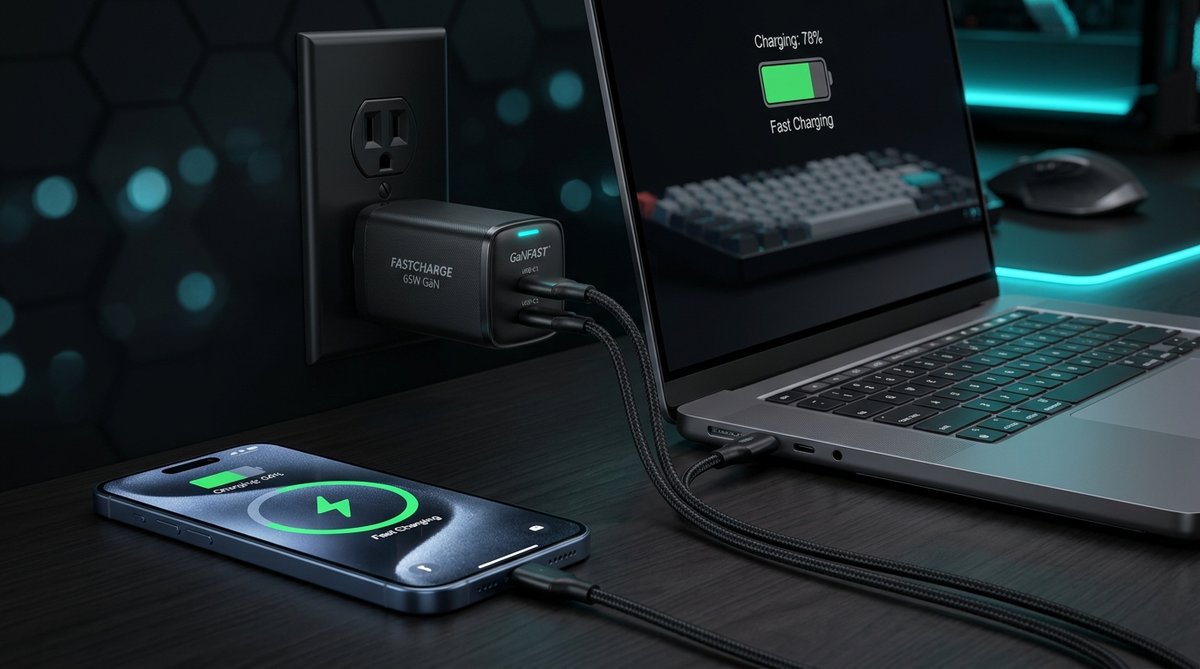
For multiple devices: A dual-port GaN charger (like our 65W model) lets you charge two devices simultaneously. The charger splits power between ports, so each device gets less than the full 65W when both ports are in use.
Power Banks
When choosing a power bank, consider both capacity (mAh) and output wattage. A 20,000mAh power bank with 30W PD output can charge a phone 3-4 times and a small laptop once. Lower output power banks (10-15W) will charge devices slowly.
Conclusion
USB-C charging is straightforward once you understand wattage and Power Delivery. Match your charger's wattage to your device's requirements, look for PD support, and consider GaN technology for a smaller, cooler-running charger. When in doubt, buy a charger with higher wattage than you need — your devices will only draw what they require.