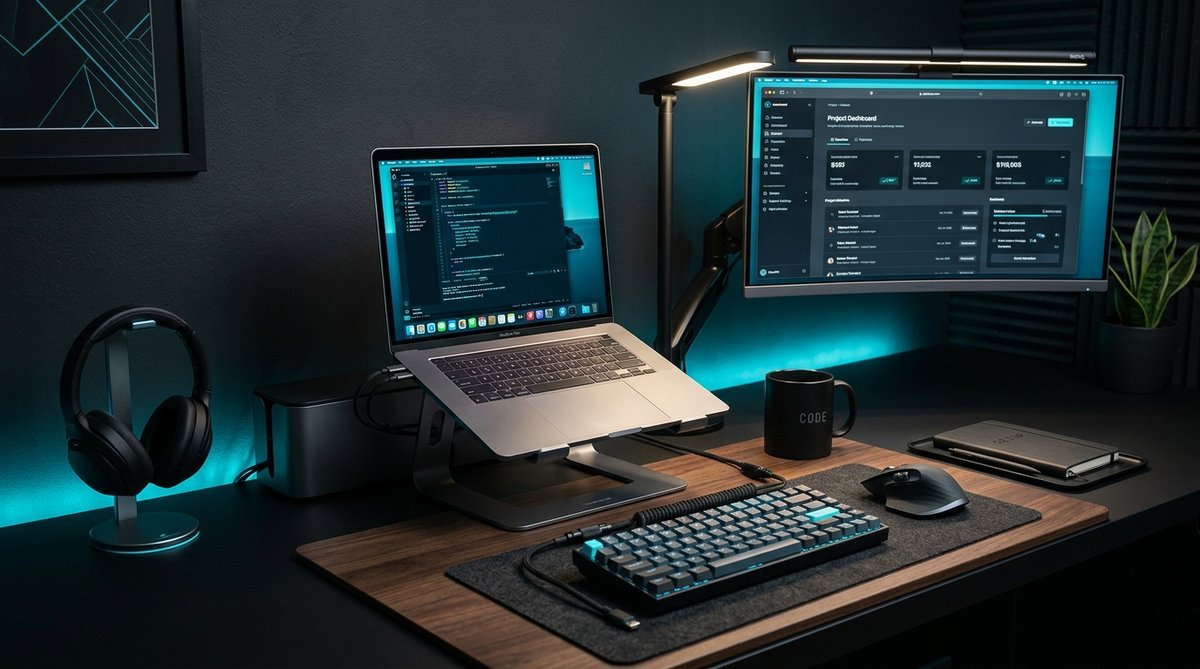
Your desk setup affects your posture, productivity, and comfort more than you might think. A few well-chosen accessories can transform a cluttered, uncomfortable workspace into an efficient and ergonomic environment. Here are the essentials that actually make a difference.
Laptop Stand: The Single Best Upgrade
If you work on a laptop, a stand is the most impactful accessory you can buy. Raising your screen to eye level prevents neck strain, which is the most common complaint among laptop users. An adjustable aluminum stand allows you to find the perfect height and angle for your setup.
Look for a stand with an open design that allows airflow underneath your laptop. This helps with heat dissipation, especially during intensive tasks. Non-slip silicone pads keep your laptop stable and prevent scratches.
Cable Management: Less Clutter, Less Stress
Visible cables make a desk look messy and can get in the way when you're working. Silicone cable management clips are an inexpensive solution that keeps cables organized and routed along the back or underside of your desk.
Start by identifying which cables you use daily (charger, monitor, keyboard) and which are permanent (power, ethernet). Route permanent cables along the desk frame using adhesive clips. Keep daily-use cables accessible but contained.
Proper Lighting
Screen glare and poor lighting cause eye strain and headaches. An LED desk lamp with adjustable color temperature lets you match your lighting to the time of day — warm light in the evening, cool light during work hours.
Look for a lamp with a diffused light source rather than a bare LED. Diffused light is softer and reduces glare on your screen. A lamp with built-in wireless charging pulls double duty by keeping your phone charged without taking up additional desk space.
Air Duster: Maintenance Made Easy
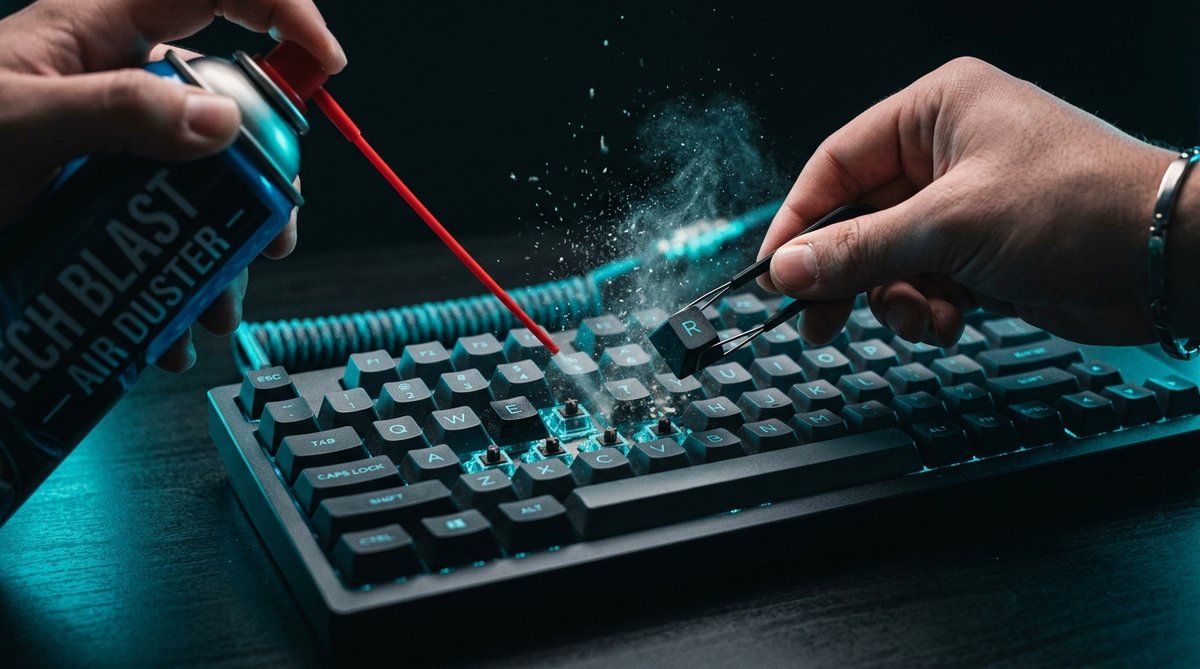
Dust accumulates quickly on desks, keyboards, and monitor vents. A rechargeable electric air duster lets you clean your workspace in seconds without buying disposable cans. Keep one in your desk drawer for quick cleaning between tasks.
Regular dusting prevents overheating in laptops and monitors, and keeps your keyboard functioning smoothly. A quick blast of air once a week is all it takes.
Keyboard and Mouse Placement
Your keyboard should be at elbow height, with your forearms parallel to the desk. Your mouse should be close enough that you don't have to reach for it. If your desk is too high, consider a keyboard tray that mounts underneath.
If you use a mechanical keyboard, a keycap puller and brush set will help you maintain it. Regular cleaning prevents dust buildup in switches and keeps keys feeling responsive.
Screen Cleaning
Fingerprints and dust on your monitor reduce clarity and can cause eye strain as your eyes work harder to focus through the smudges. A screen cleaning kit with microfiber cloth and spray solution keeps your displays clean without damaging anti-glare coatings.
Avoid using paper towels or regular cloths — these can scratch screen coatings. Microfiber is designed to lift oils and dust without scratching.
Conclusion
You don't need to spend a fortune to improve your desk setup. A laptop stand, cable management clips, a good lamp, and basic cleaning tools are the foundation of a comfortable and productive workspace. Start with the items that address your biggest pain points — usually neck strain and cable clutter — and build from there.